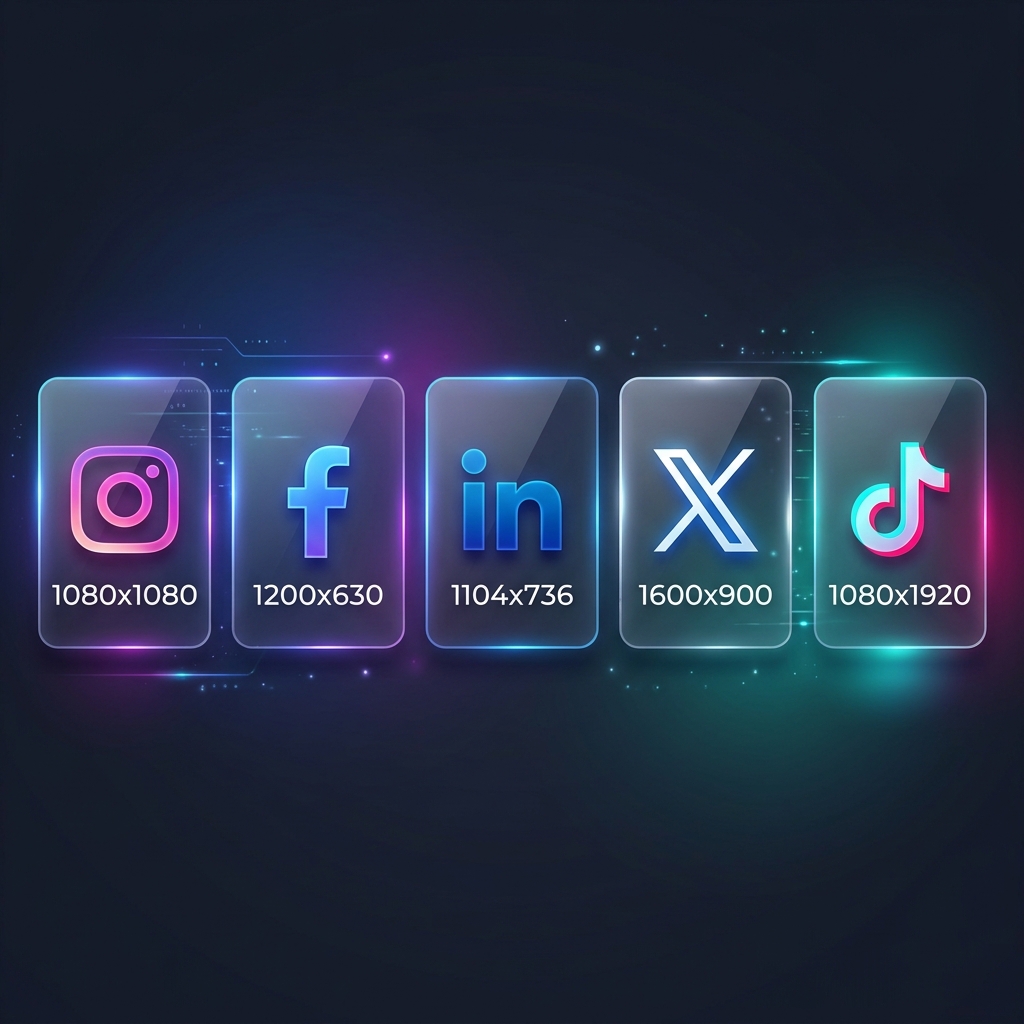
Why Correct Image Dimensions Matter in 2026
Platforms like Instagram, TikTok, and LinkedIn use complex algorithms to crop and display your content across different devices — from 4K monitors to ultra-tall foldable phones. If you don't resize photo to specific size requirements, the platform will do it for you, often with disastrous results.
When you change image dimensions online using a dedicated tool, you maintain control over the focal point of your image. This ensures that your text isn't cut off and your face is perfectly centered. Moreover, using the correct size helps you resize image to 100kb or less for faster loading without sacrificing clarity.
Instagram Image Sizes 2026
Instagram remains the king of visual content. In 2026, the platform has further standardized its aspect ratios to favor vertical content.
- Profile Photo: 320 x 320 px (displays at 110x110)
- Square Post: 1080 x 1080 px (1:1 ratio)
- Portrait Post: 1080 x 1350 px (4:5 ratio) — Highly Recommended for engagement!
- Stories & Reels: 1080 x 1920 px (9:16 ratio)
Pro Tip: To resize image without losing quality for Instagram, always upload at the maximum recommended width (1080px). Instagram's compression is aggressive, so starting with a sharp, correctly-sized file is key.
Facebook (Meta) Image Sizes 2026
Facebook is still vital for community building and local business. Their layout changes frequently, so sticking to these "safe zone" sizes is essential.
- Profile Picture: 196 x 196 px
- Cover Photo: 820 x 312 px (Desktop) / 640 x 360 px (Mobile)
- Shared Image: 1200 x 630 px
- Event Cover: 1920 x 1005 px
LinkedIn Image Sizes 2026
For professionals, LinkedIn is your digital storefront. Don't let a low-res banner make you look amateur.
- Profile Image: 400 x 400 px
- Background / Banner: 1584 x 396 px
- Company Logo: 300 x 300 px
- Post Image: 1200 x 627 px
TikTok & YouTube Sizes 2026
Video platforms are strictly 9:16 or 16:9. However, the thumbnails and profile assets are still static images that need to be perfect.
- TikTok Profile Video/Image: 200 x 200 px
- YouTube Profile: 800 x 800 px
- YouTube Thumbnail: 1280 x 720 px
- YouTube Banner: 2560 x 1440 px
How to Resize Images Online Free with ZedTool
Manually calculating pixels can be tedious. That's why we built the ZedTool Image Resizer. It allows you to resize image online free in just three steps:
- Upload your photo to our secure browser-based tool.
- Input the specific width and height you need (e.g., 1080x1350 for Instagram).
- Click 'Resize' and download your optimized image.
Our tool ensures you resize image without losing quality by using advanced interpolation techniques. Whether you need to resize image to 100kb for a fast-loading website or resize image to passport size for an official application, ZedTool has you covered.
Creating the Perfect Passport Size Photo
Need an official photo? You can resize image to passport size (usually 2x2 inches or 35x45mm depending on the country) using our Passport Photo Maker. It automates the cropping process so you don't have to worry about meeting strict government standards.
Conclusion: Consistency is Key
In 2026, your brand's visual consistency across platforms builds trust. By taking the time to resize photo to specific size requirements, you ensure your message is delivered clearly and professionally.
Ready to fix your images? Start resizing for free now and give your social media profiles the premium look they deserve.